Bluetooth speaker test — channels, sweep and bass
Confirm both drivers are working, find the point where the bass gives up, and listen for the rattles a small Bluetooth speaker develops. Start quiet: a sweep at full volume is a good way to damage one.
Bluetooth speaker test
Channels, a tone, a 20 Hz to 20 kHz sweep and a bass sweep. Start at a low volume.
Start at a low volume. A sweep at full volume is a good way to damage a small speaker — and your ears.
How to run it in ninety seconds
Turn the volume down
Play something with a voice in it first and set the speaker to conversation level. Bluetooth speakers keep their own volume separate from the phone's, so check the speaker's own control as well as the phone's.
Check left, then right
Two seconds of tone in one channel at a time. On a stereo system each side should answer on its own. On a mono Bluetooth speaker both come out of the same driver, which is normal and not a fault.
Run the sweep, then the bass sweep
Eight seconds from 20 Hz to 20 kHz for rattles and dropouts, then ten seconds from 20 Hz to 200 Hz to find the note where the low end stops descending.
Go back with the tone slider
Park the variable tone on anything that buzzed and hold it there while you press on the grille, the seams and the table. That is how you separate a speaker fault from furniture.
This page plays test signals through whatever speaker your browser is currently using: a left-only tone, a right-only tone, a variable tone between 20 Hz and 16 kHz, an eight-second sweep from 20 Hz to 20 kHz, a slow 20 to 200 Hz bass sweep, and a band of noise. Between them they answer three questions: are both channels arriving, does anything rattle, and how low does this speaker really go. Turn the volume down before you press anything.
The six buttons, and what each one is for
Every signal is generated in the page when you press the button. Nothing is downloaded, nothing is recorded, and this page never opens your microphone.
| Button | What it plays | What you are listening for |
|---|---|---|
| Left only | Two seconds of tone in the left channel, silence in the right | Sound from the left driver, and on a true stereo rig only from it |
| Right only | The same tone, right channel only | A matched level from the other side |
| Test tone | Two seconds at whatever the slider says, 20 Hz to 16 kHz | A clean steady note. Buzz or fizz means something is loose |
| 20 Hz to 20 kHz sweep | Eight seconds, exponential, so roughly equal time in every octave | Rattles, resonances, and any band that drops out |
| Bass sweep | Ten seconds from 20 Hz to 200 Hz, same exponential shape | The frequency where the note stops descending |
| Noise | Three seconds of broadband hiss | Cabinet buzz, and an A/B against a second speaker |
The exponential shape matters. A sweep spending equal time on every hertz would spend most of its eight seconds above 5 kHz. Spacing it by octave gives the full sweep about eight tenths of a second per octave, and the bass sweep roughly three seconds per octave, slow enough to hear the note where a small speaker stops keeping up.
Start quiet, because a sweep at full volume is how small speakers die
Set the level with speech first. Play something with a voice in it, set the speaker where you would have it for a conversation, then run the test. The bass sweep is generated slightly hotter than the other signals here, because both your ears and a small speaker's own roll-off make low frequencies read as quieter than they are, and low frequencies ask the driver to move further than anything else. A 40 mm driver has a millimetre or two of travel before it hits its limit. If you hear a hard clack or a flapping sound down low, stop and turn it down: that is the driver bottoming out, and it is a way to make a fault rather than find one.
Two volume controls are in play and they do not always agree. Most Bluetooth speakers keep their own level separate from the phone's, so a speaker sitting at maximum will take a signal your phone thinks is quiet. Check its control before the sweep, not after. Your ears deserve the same caution: a 12 kHz tone at party level tells you nothing, because you flinch before you can judge it.
Left, right, and the fact that most Bluetooth speakers are mono
If the left-only tone and the right-only tone both come out at the same level, that is almost certainly not a fault. Most portable Bluetooth speakers sum the two channels into a single driver, and the ones with two drivers usually sit them only a few centimetres apart, which is why the stereo image barely separates even when both channels are genuinely there. The buttons still earn their place on a mono speaker: they prove both halves of the signal are arriving, the thing that quietly fails on cheap cables and adapters.
The test earns more on real stereo systems. In a car it identifies which door the sound comes from and catches a speaker left miswired by an old repair. On a soundbar it catches a wrong input mode. On a stereo pair of Bluetooth speakers it tells you which box is left, and if the boxes also disagree in timing you have the out-of-sync problem a stereo pair creates rather than a channel problem.
If left-only plays from both sides on a system you know is stereo, check for a mono audio setting before blaming the hardware. Android keeps one in Accessibility under Audio adjustment, iOS keeps one in Accessibility too, macOS and Windows have their own, and it is on more often than people remember. It sums both channels everywhere, which makes this test meaningless until it is off.
Reading the full sweep by ear
Play the 20 Hz to 20 kHz sweep with the speaker on a hard table, then again with it in your hand. Four things are worth noting.
- A buzz that appears at one point and vanishes. Something is resonating. If it disappears when you pick the speaker up, the table was buzzing. If it follows the speaker, drag the tone slider there and hold the note while you press on the grille and the seams.
- A band that goes quiet. Real dropouts mid-range are rare and usually mean a dead driver in a two-way box. Small dips are normal and are as likely to be the room as the speaker.
- The point where the top end disappears. Plenty of adults hear nothing above the mid-teens of kilohertz, which is ordinary age-related hearing loss rather than a speaker fault. The tone slider stops at 16 kHz for that reason.
- Anything that changes between runs. Many Bluetooth speakers apply their own limiting, so the same sweep can behave differently at two volumes. That is the speaker's processing, not an intermittent fault.
The bass sweep, and where a small speaker gives up
Start the 20 to 200 Hz sweep and follow the note down. There is usually a clear moment where the pitch stops descending and the sound turns into chuffing air from the port, or a thin whine an octave above where the note should be. That point is the speaker's honest bottom, and on a pocket-sized Bluetooth box it often sits in the low hundreds of hertz rather than at the figure on the label.
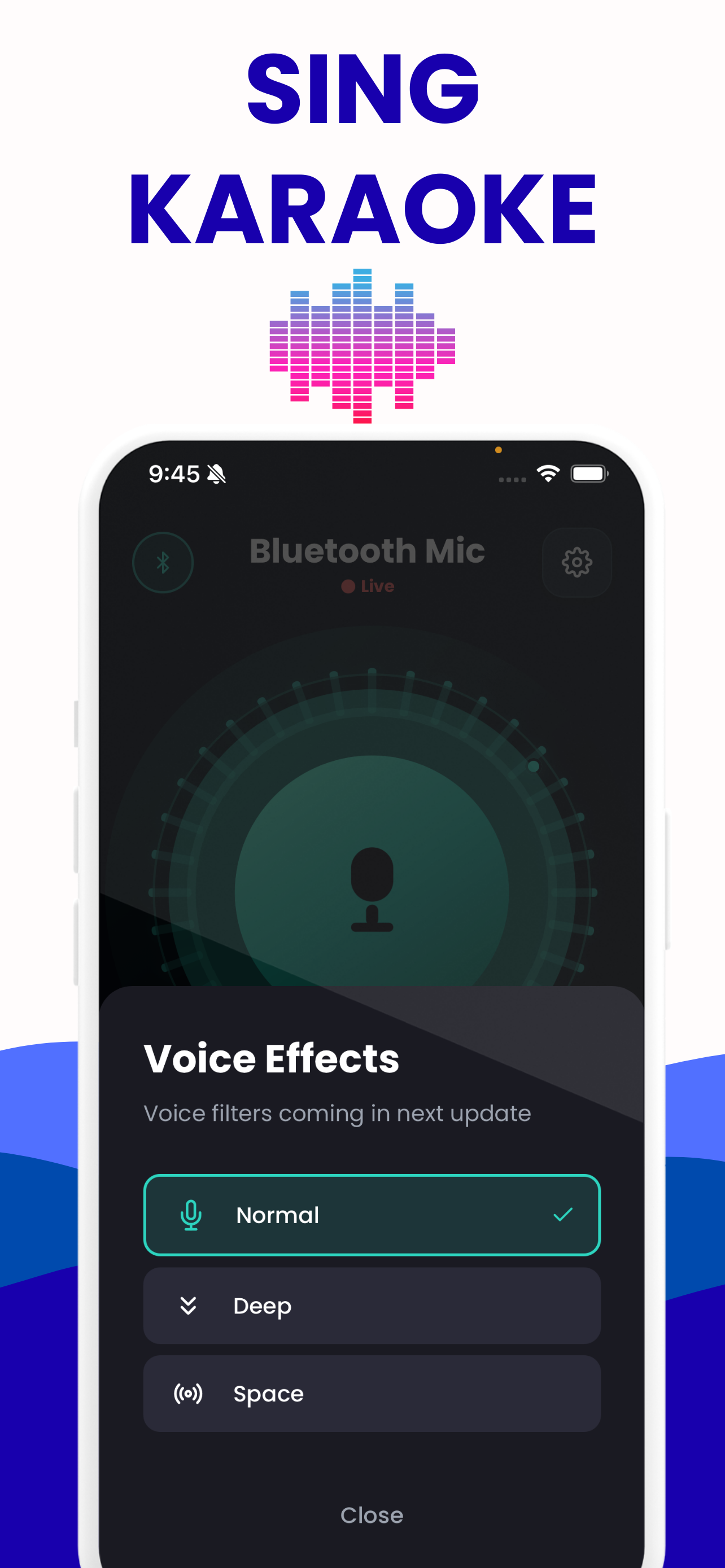
That number changes what to expect from a voice through the same speaker. The app's Deep preset is a 480 Hz lowpass with a 160 Hz shelf lifted 6 dB, and Warm puts an 8 dB shelf at 240 Hz, so both put energy in a region a small speaker may not reproduce at all. You can hear the difference with the eight voice presets and their frequency-response curves, then pick the one that suits the speaker you own.
Do not use the bass sweep to compare two speakers by which sounds bigger. The louder one wins that comparison whatever it reproduces. Match levels by ear on speech, put both in the same spot, then sweep each.
What a browser test cannot tell you
This tool only plays. It has no return path, which makes it different in kind from the latency test on this site, which plays a chirp, records it back through the microphone and cross-correlates the two into a number. Here the browser has no idea whether your speaker made any sound at all. Every judgement is yours, made by ear, and that has hard limits.
- This is not a frequency response measurement. Getting one needs a calibrated measurement microphone, and even then the result describes that speaker in that room in that position. Move a speaker a metre and the bass changes by more than most speakers in a price bracket differ from each other. What you hear is speaker plus room plus your own hearing, and listening cannot separate them.
- There is no level reading. No decibel figure, no sensitivity, no distortion percentage. The phone SPL app you might reach for is not calibrated either.
- The signal is not delivered untouched. Over Bluetooth it is encoded before your speaker sees it, and then the speaker's own processing takes a turn. An iPhone sends AAC and nothing else. An Android phone since 8.0 can negotiate SBC, AAC, aptX, aptX HD or LDAC, though only LDAC's encoder ships in AOSP: aptX and aptX HD are proprietary Qualcomm code each maker licenses, so whether your handset offers them depends on the handset. Android also exposes a Bluetooth audio codec picker in Developer options, which iOS has no equivalent of; switching codec shifts latency somewhat rather than dramatically, and it can change what you hear on this test. You are testing a whole chain and hearing its worst link. The codec guide covers which one your phone uses.
- Silence at 20 Hz is not a result. Almost nothing portable produces the bottom octave, and the sweep spends under a second there.
What it is good for is the class of fault that ruins an event: a dead channel, a driver that has stopped working, a grille buzzing, a speaker with no usable low end. Those are audible in ninety seconds, and they are most of what goes wrong.
Once the speaker passes, test the rest of the chain
A working speaker is half of a microphone setup. If the plan is to put your voice through it, check the input end with the microphone test, then listen to the whole path with the live mic monitor before anyone is watching. If your voice comes back late, that lag belongs to the Bluetooth link rather than to the speaker you just tested, and the guide on where Bluetooth microphone delay comes from explains which part is fixed and which part you can work around. Singers feel it worst, the subject of the karaoke delay guide. The app that does the sending, Bluetooth mic: Mic to Speaker, is free on both stores, so an Android phone and an iPhone can both drive the speaker you just tested.
The other failure a speaker test will not catch is the howl that starts when a live microphone hears its own output, a matter of geometry and gain covered in the guide on stopping feedback. If this is event preparation, work through the pre-party checklist the day before, not in the fifteen minutes while people are arriving.
What the app does once the speaker checks out
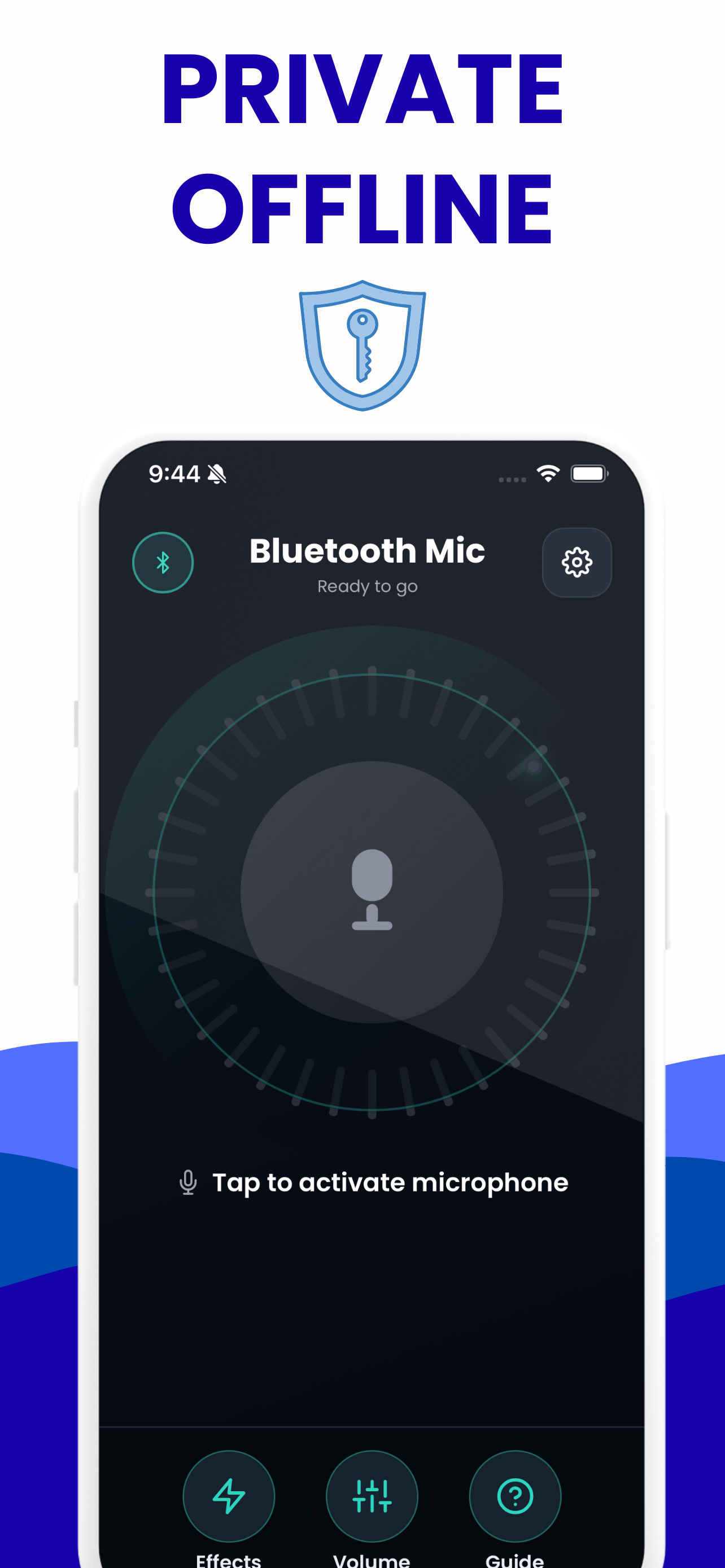
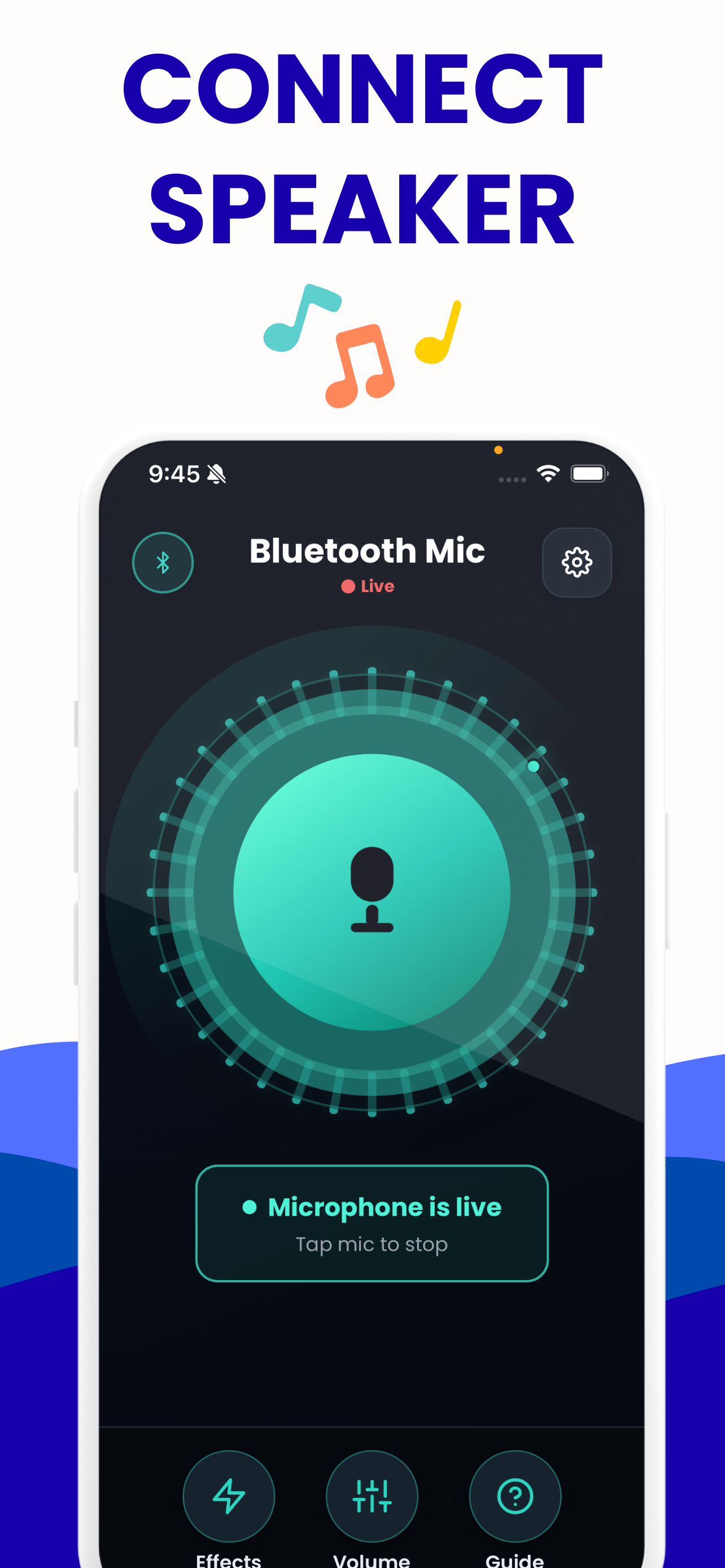
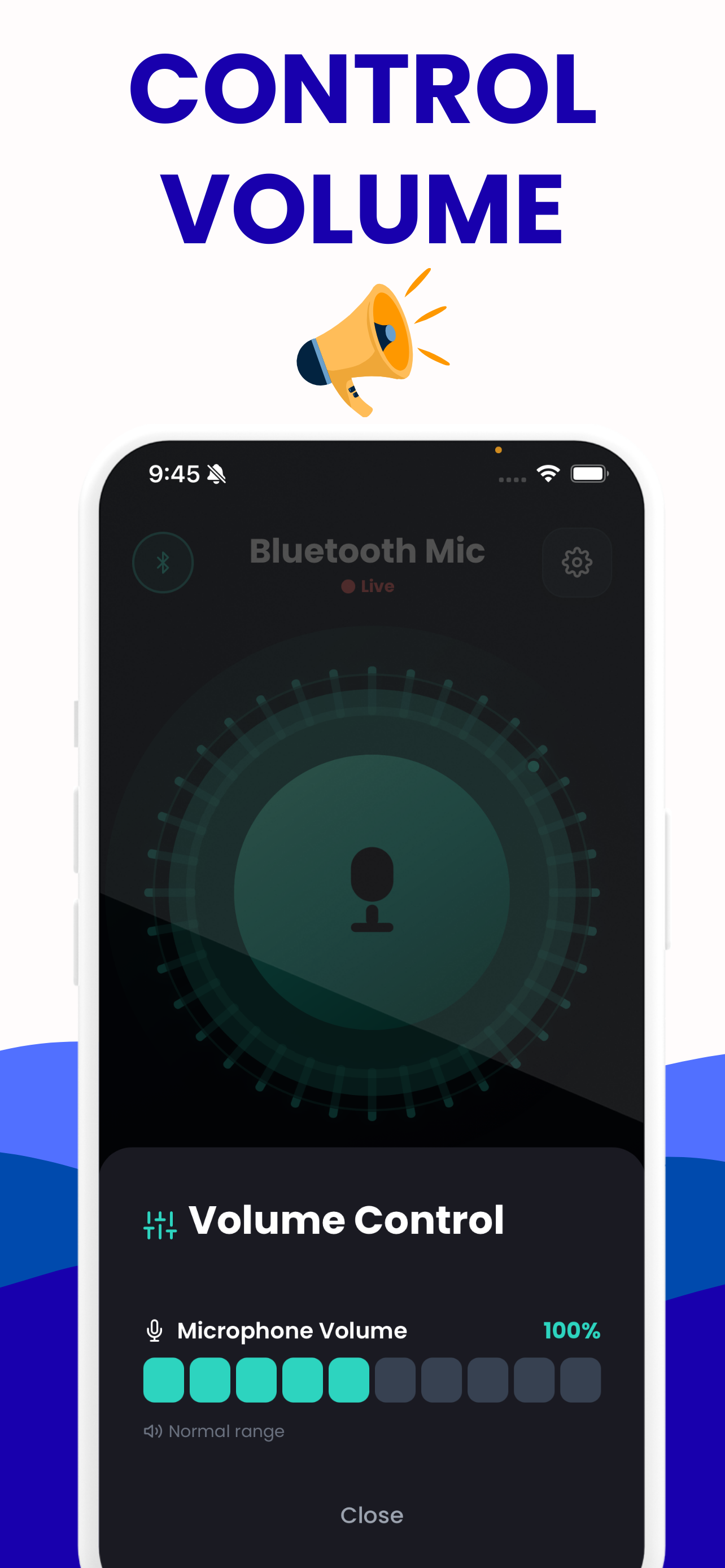
This page tests the speaker. The app is the part that sends your voice through it, with a gain control, echo reduction and the eight voice presets, on Android and on iPhone alike.
Questions about this tool
Why does the left-only test come out of both sides?
Most portable Bluetooth speakers are mono and sum both channels into one driver, so that result is normal. If the system really is stereo, check whether a mono audio setting is switched on, in iOS Accessibility or the equivalent on macOS and Windows.
Learn more: Two Bluetooth Speakers Out of Sync: Measure the Gap →
Is the sweep safe for my speaker?
At a moderate level, yes. At full volume the bottom of a sweep is one of the harder things you can ask a small driver to do, and it can bottom out. Set the level on speech first, and stop if you hear a clack or a flapping sound.
I hear nothing at the start of the sweep. Is the speaker broken?
Almost certainly not. Very little portable gear produces the 20 to 40 Hz octave, and the exponential sweep spends under a second there. Use the bass sweep instead, which moves slowly enough to hear where the low end really stops.
Does Bluetooth change what I am hearing in this test?
Yes. The signal is encoded before your speaker receives it, AAC from an iPhone and, on Android, SBC, AAC, aptX or LDAC depending on what the two ends negotiated, and most speakers add their own processing on top. You are testing the whole chain rather than the driver.
The speaker sounds fine but my voice through it arrives late. Is that a speaker fault?
No. That lag lives in the Bluetooth link, in the codec and the receiver's buffer. Hollyland puts A2DP end to end at roughly 100 to 300 ms, and sources genuinely disagree, so measure your own figure with the latency test rather than trusting any single number.
Learn more: Bluetooth Microphone Delay: Real Numbers, Real Fixes →
Can this replace a proper speaker measurement?
No. Without a calibrated measurement microphone there is no frequency response here and no decibel figure. It finds dead channels, rattles and a missing low end, which is most of what fails at an event.
Other tools on this site
All free, all running in your browser.
Live mic monitor
Hear your own microphone through your speakers or headphones, with the app’s gain range and its eight voice presets.
Open it →Bluetooth latency test
Measures the real round-trip delay of your own speaker by sending a chirp and listening for it coming back.
Open it →Bluetooth mic test
Check the level, the sample rate and the channel count of any microphone — including the moment a Bluetooth headset drops to narrowband.
Open it →Live voice effects
All eight of the app’s voice presets, live on your own voice, with the frequency-response curve each one applies.
Open it →Put a microphone through the speaker you just tested
Bluetooth mic: Mic to Speaker sends your phone's microphone to whatever output the phone is already using, with a volume control, echo reduction and eight voice presets. Free on the App Store and on Google Play, and it records nothing.