Live mic voice effects — deep, space, radio, megaphone and more
The same eight presets the app ships, running live on your microphone. Each one draws its actual frequency response underneath, computed from the filter settings in the app’s source rather than sketched by hand.
Live voice effects
Eight presets, live, with the real response curve for each.
Tap the microphone to start.
0–200 %, the same range as the app's volume control.
The curve is drawn from the preset's actual filter settings, taken from the app's source. Robot adds a 50 Hz ring modulator on top, which is not a filter and so does not appear in the curve.
Until you tick that, the level is held at 60 % and nothing is sent to the output, because a microphone and a speaker in the same room is how feedback starts. This is the same cap the app applies when it detects that audio is going to the phone's own speaker.
Device names only appear after you allow microphone access once. A Bluetooth headset shows up here as an input; a Bluetooth speaker usually does not.
Try the presets on your own voice
Headphones first
Until you tick the box that sends audio to your output, the page holds the level at 60 per cent and nothing reaches the speakers. That is deliberate: a microphone and a speaker in one room is how feedback starts.
Start on Normal
Tap the microphone, say a full sentence on Normal, and watch the level meter. That is your reference. Every preset below is judged against it, not against how you think you sound.
Switch presets while you talk
The chips swap the filter chain live, without stopping the microphone, and the curve underneath redraws for the preset you picked. Say the same sentence on each one rather than a different one every time.
Then send it to a speaker
Tick the box once you are on headphones or the speaker is out of the microphone's earshot. Megaphone and Bright are the two most likely to start a squeal, so bring the gain up slowly.
This page does not add echo. It runs the app's eight voice presets live on your microphone and draws the real frequency response of each one underneath, computed from the filter settings in the app's source rather than sketched. If you wanted a repeating tail behind your voice, no preset here makes one, and there is a section below on where that sound comes from.
What each preset actually does to a voice
Six of the eight are built only from the same part: two or three biquad filters in series. Normal applies none at all, and Robot adds a ring modulator on top of its two. A biquad is arithmetic that turns some frequency bands up and others down. It adds nothing that was not already in your voice, which is why a preset that flatters one person makes the next sound thin.
| Preset | Filters it applies | What you hear |
|---|---|---|
| Normal | None | Untouched. The reference for everything else. |
| Deep | Low-pass at 480 Hz (Q 0.9), low shelf +6 dB at 160 Hz | Chest and body, consonants cut away above 480 Hz. Weighty, and harder to understand across a room. |
| Warm | Low shelf +8 dB at 240 Hz, low-pass at 6.5 kHz (Q 0.7) | Deep's idea without the damage: more body, less hiss, speech still clear. |
| Bright | High shelf +10 dB at 3.5 kHz, peak +4 dB at 6 kHz (Q 1) | Air and edge. Consonants cut through noise, and every "s" gets louder too. |
| Space | Band-pass at 950 Hz (Q 1.1), peak +4 dB at 1.6 kHz (Q 1) | Hollow and mid-focused, like a voice down a tube. |
| Radio | High-pass at 500 Hz (Q 0.7), band-pass at 1.8 kHz (Q 5), low-pass at 3.2 kHz (Q 0.7) | A narrow band around 1.8 kHz and nothing else. The AM or telephone sound. |
| Megaphone | High-pass at 600 Hz (Q 0.8), band-pass at 1.5 kHz (Q 2.5), peak +12 dB at 2.5 kHz (Q 3) | A bullhorn. The +12 dB spike sits where the ear is most sensitive, so it carries. |
| Robot | Band-pass at 1.2 kHz (Q 1.2), peak +5 dB at 1.8 kHz (Q 1), ring modulator at 50 Hz | Synthetic and buzzing. The only preset that creates frequencies your voice never had. |
Robot is the odd one out. A ring modulator multiplies your voice by a 50 Hz tone sample by sample, producing sum and difference frequencies that were not in the original at all. Every other preset is only subtraction and emphasis, which is why Robot sounds machine-made rather than filtered.
Judge a preset against Normal, not against your memory of it. Say the same sentence twice, once on Normal and once on the preset, seconds apart. Effects sound better than plain the first time and worse than plain by the fourth. For the same comparison without presets, the plain live mic monitor runs the identical chain with only the gain control.
How to read the curve under the buttons
The graph under the preset row is not decoration. It plots the magnitude response of that filter chain from 60 Hz to 12 kHz on a logarithmic axis, computed at your device's sample rate from the same coefficients Web Audio hands to the filters. The line across the middle is 0 dB: above it the preset makes that band louder, below it quieter. The plot is clipped at +18 dB and -30 dB so one deep null cannot flatten the rest of the shape.
- A shelf reads as a step: everything past the corner frequency is lifted or dropped and stays there.
- A peaking filter reads as a bump, with Q deciding its width. Megaphone's Q of 3 at 2.5 kHz is narrow and aggressive; Bright's Q of 1 at 6 kHz is broad and gentle.
- A band-pass reads as a hill with both sides falling away. Radio's Q of 5 is why so little survives either side of 1.8 kHz.
- A low-pass or high-pass reads as a cliff. Deep's starts at 480 Hz, below most of what makes speech intelligible.
Echo, reverb, and what this is not
People look for a live mic echo effect for two different reasons, and these presets solve one of them. If you want a voice that sounds different, this is the tool. If you want a karaoke echo, the repeat trailing half a beat behind the singer, that is a delay line with feedback, and there is none in this page or in the app.
The app's only control with the word echo on it does the opposite. Echo reduction puts a high-pass filter in front of the chain, its corner at 50 Hz plus 110 Hz per step of the level you set, Q 0.8, and on iOS it also puts the audio session into voice-chat mode. It takes room boom and low rumble out before they can loop back into the microphone. It subtracts, it does not repeat.
A real karaoke echo almost always has to come from hardware. Plenty of party speakers with a wired microphone jack have their own echo knob, which is a different matter from what a phone sends over Bluetooth. See speakers that have a microphone input and why karaoke over a Bluetooth speaker fights you on timing. Stacking a software echo on top of a Bluetooth link makes the timing worse, because every repeat starts after the gap you already have.
What this page cannot tell you
Three limits, and they matter before you judge a preset. First, the curve is arithmetic, not a measurement of your speaker. It shows what the filter does to the signal and says nothing about what leaves the driver. Deep's +6 dB shelf at 160 Hz is real in the signal and largely imaginary on a pocket speaker already rolling off below 120 Hz. Run the bass sweep in the speaker test to find where yours stops, then read the low-shelf presets again.
Second, the browser may not hand over the raw microphone this page asks for. It requests echo cancellation, noise suppression and automatic gain control all switched off, because all three quietly reshape a voice. A browser is allowed to ignore that, and mobile Safari sometimes does. The app sets up its own audio session on iOS and its own audio path on Android instead, so the same preset can sound slightly different there. This tab is a faithful preview of the filter maths, not a byte-exact preview of the app.
Third, nothing here measures delay. The presets are applied per sample and add no processing time worth mentioning, but the tab's buffering is not the app's, and neither is your Bluetooth link, so any timing judgement made from this page is unreliable. Measure it with the round-trip latency test, which sends a chirp and listens for it coming back.
Running a preset through a Bluetooth speaker
Choosing a preset changes tone, not timing. The gap between your mouth and the speaker comes from the codec and the receiver's buffer, and no app on the phone reaches into either. Hollyland puts a typical A2DP round trip at roughly 100 to 300 ms. AAC, which is what an iPhone uses because iPhones carry no aptX support in any form, is usually quoted at about 100 to 200 ms. Sources disagree: SBC is quoted as 100 to 150 ms in some places and 150 to 300 ms in others, so treat any single figure as one measurement rather than the answer.
Android gives you one lever here that an iPhone does not. Since Android 8.0 the platform can negotiate AAC, aptX, aptX HD and LDAC on top of the mandatory SBC, and Developer options exposes a Bluetooth audio codec picker so you can force one of them. Only LDAC's encoder actually ships in AOSP; aptX and aptX HD are proprietary Qualcomm code that each phone maker licenses separately, so whether your handset offers them depends on the handset. Changing codec moves the figure somewhat rather than dramatically. Qualcomm puts aptX Low Latency near 40 ms and the Bluetooth SIG puts LC3 on LE Audio near 20 to 30 ms, but both ends of the link have to speak the same one. Nothing in that picker reaches a dedicated 2.4 GHz wireless microphone system, which runs under 20 ms.
That range decides what a preset is good for. Under roughly 20 ms is imperceptible; 40 to 50 ms is where lips and sound visibly stop matching; past about 100 ms it feels like a bad phone call, and hearing your own voice at that distance is far more disorientating than listening to someone else. See where Bluetooth microphone delay comes from and the thresholds in how much audio delay a person notices.
Do not sing along to a backing track over Bluetooth. No preset fixes this. Your voice reaches the speaker hundreds of milliseconds after the music already playing there, so you hear yourself behind the beat and drift trying to correct. A wired microphone into the speaker's own jack is the fix.
Some presets make feedback far easier to start
A preset that boosts a band also boosts whatever the microphone picks up from the speaker in that band, and feedback starts wherever the loop has the most gain. Megaphone is the worst offender: +12 dB with a Q of 3 at 2.5 kHz is a ready-made ring. Bright is next, then Radio.
Until you tick the box that sends audio to your output, this page holds the level at 60 per cent, the same cap the app applies when it sees audio routing to the phone's own speaker. The cap lifts once headphones, a Bluetooth speaker or AirPlay take the route. If you get a squeal, the tool names the frequency it is ringing at. The fixes are in stopping microphone feedback with a Bluetooth speaker; the short version is move the phone behind the speaker, drop the gain, change preset.
Which preset for which job
- Speaking to a room. Warm, or Normal. Warm lifts the body of a voice without cutting the consonants that carry meaning. Deep is for effect, not for being understood.
- An announcement across a car park or a hall. Megaphone, at the lowest gain that does the job. Placement matters more than volume: see making announcements with a phone microphone.
- Noisy background. Bright, at the cost of a harsher "s".
- A party or a game. Robot and Space, both meant to be obvious. The party microphone checklist is the order to set things up in before the room fills.
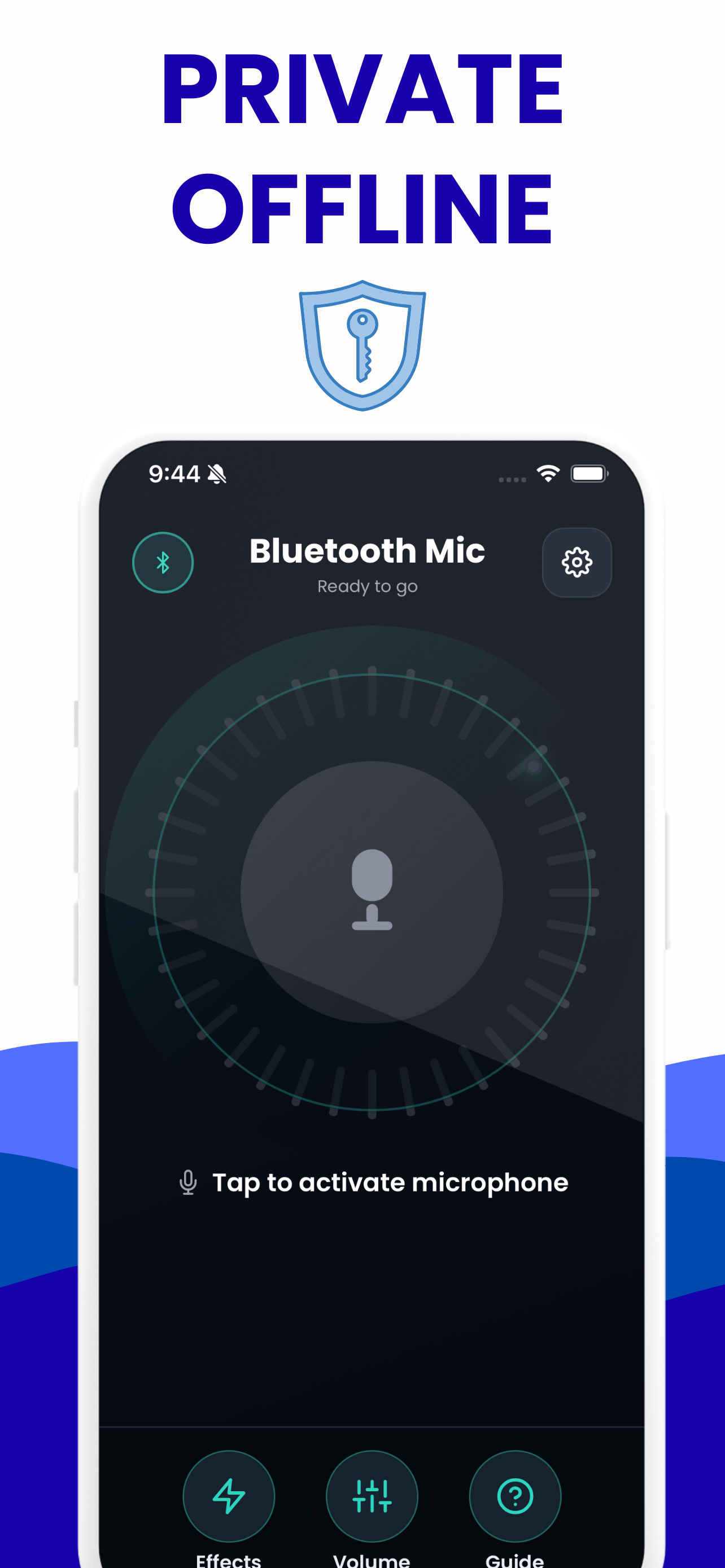
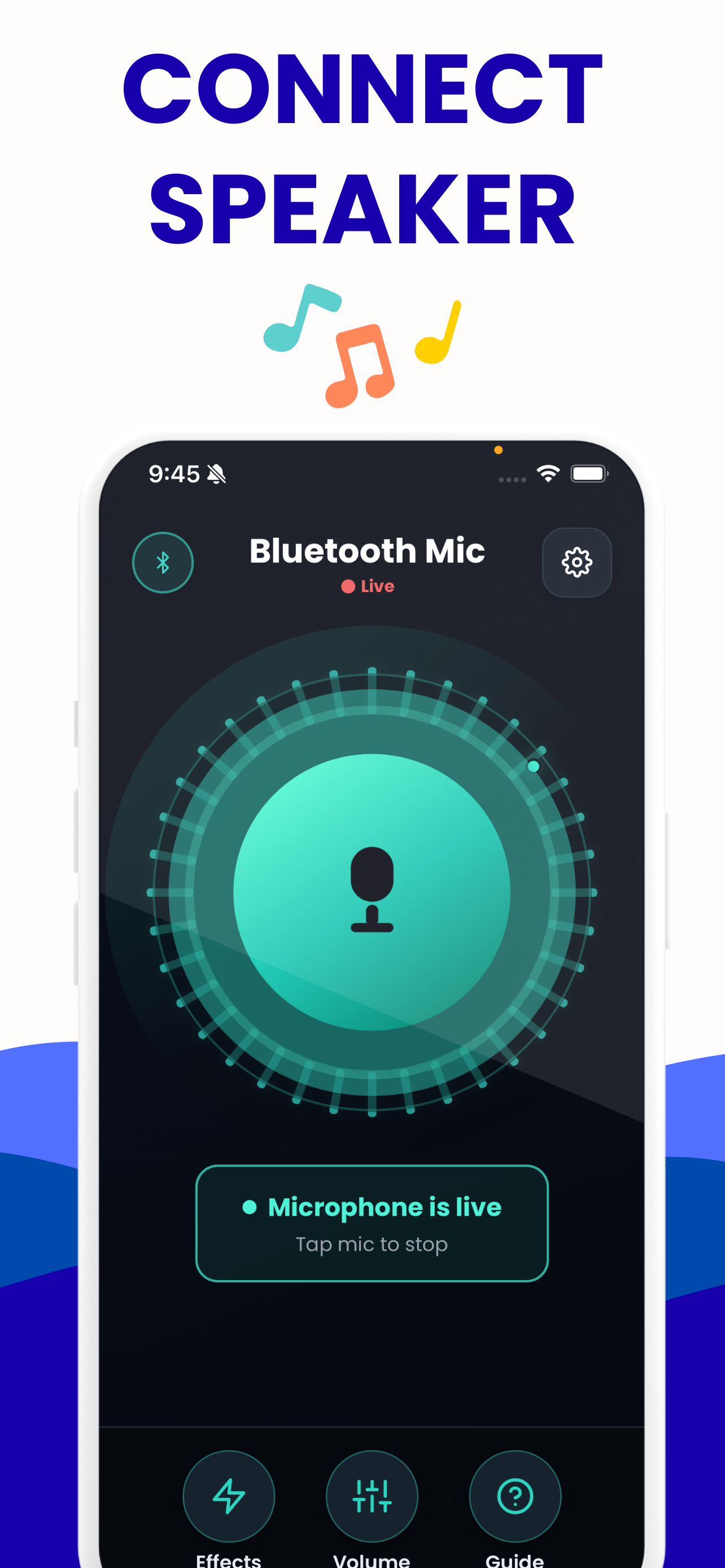
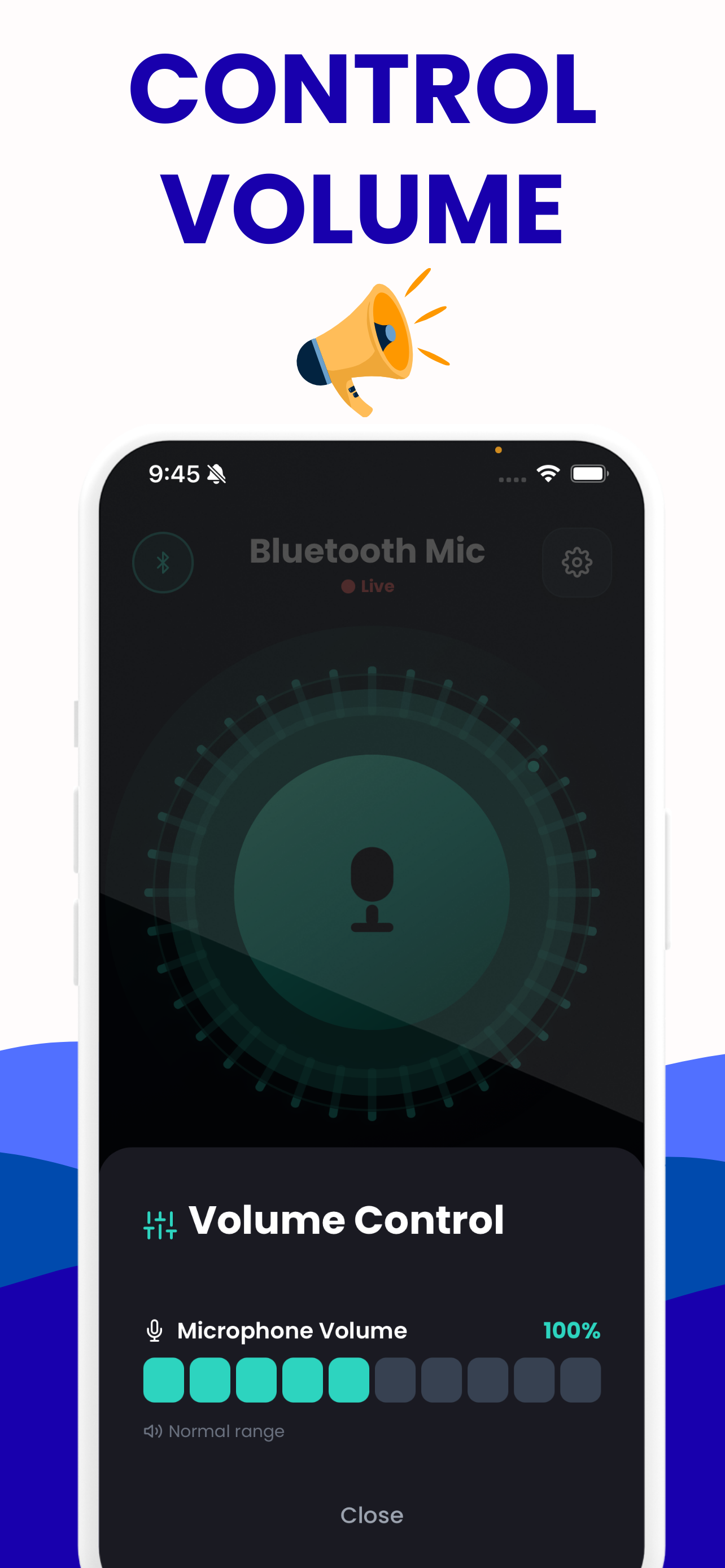
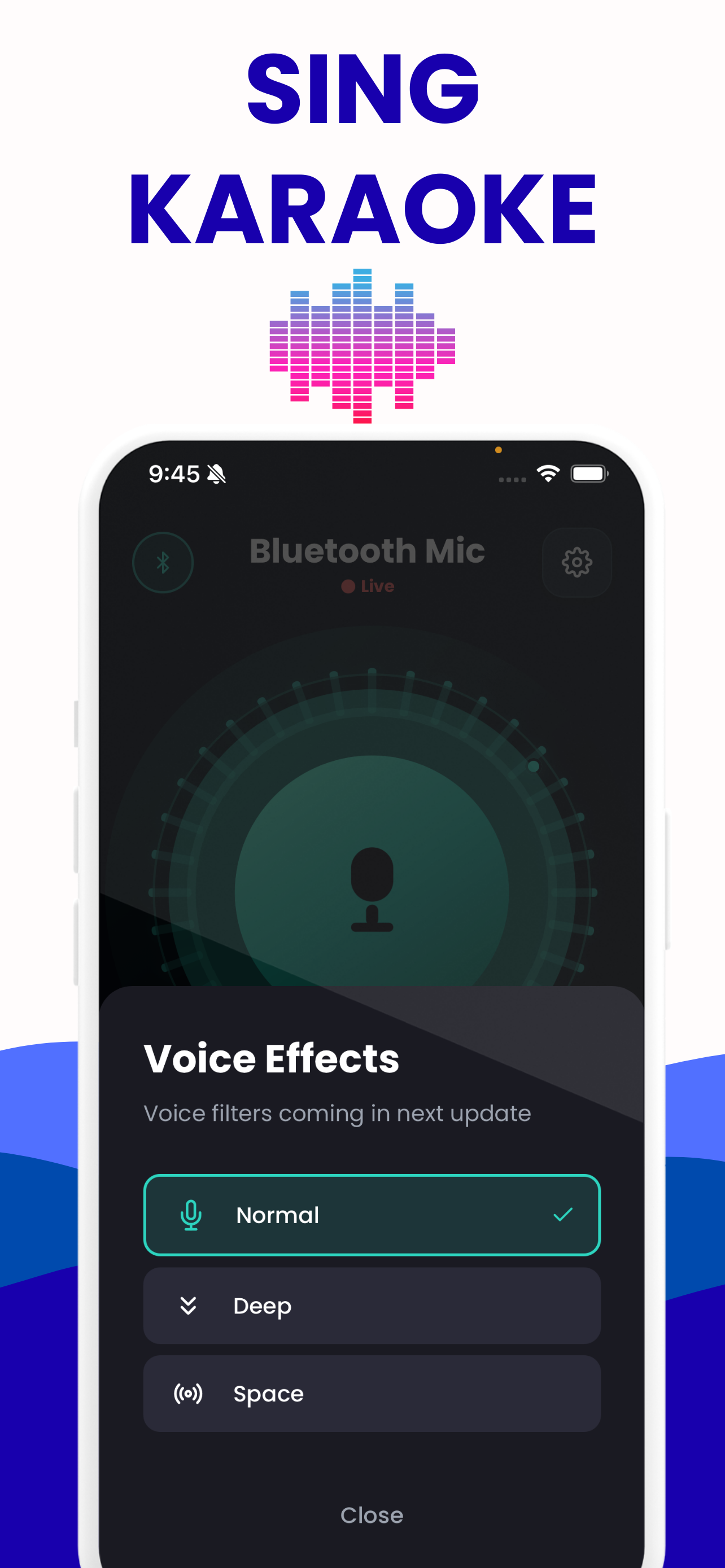
The same eight presets, on iPhone and on Android
Same filters, same order, same volume range. The app just does it without a browser tab in the way.
Questions about this tool
Does this add echo or reverb to my voice?
No. All eight presets are tone shaping: two or three filters in series, plus a ring modulator on Robot. None of them produces a repeat or a tail. The app's only echo-labelled control is echo reduction, a high-pass filter that takes room rumble out before it can loop back into the microphone.
Learn more: Karaoke Bluetooth Speaker Delay: Measure and Fix It →
Will these voice effects work through my Bluetooth speaker?
Yes, if the speaker is already the output your phone is using. You pair the speaker the way you normally would. On iPhone that happens in iOS Settings, because Apple exposes no public pairing API to apps; an app can at most put the system route picker on screen, and you pick the output there yourself. Android does hand apps pairing APIs, but a mic-to-speaker app has no reason to touch them, so the steps you take are the same on both. Either way the effect is applied on the phone before the audio is sent, and whatever route the system has already chosen is the route the processed voice takes.
Learn more: Connect iPhone Microphone to a Bluetooth Speaker →
Do the presets add delay of their own?
Not in any amount you would notice. The filters run per sample. The delay you hear is the Bluetooth link and the receiver's buffer, roughly 100 to 300 ms for A2DP by Hollyland's figures, and about 100 to 200 ms for the AAC an iPhone uses. An Android phone may negotiate aptX, aptX HD or LDAC instead, which shifts the figure somewhat rather than dramatically. No app reaches into the codec or the receiver's buffer.
Learn more: Bluetooth Microphone Delay: Real Numbers, Real Fixes →
Why does Megaphone make my speaker squeal?
Because it puts +12 dB at 2.5 kHz with a Q of 3, right where the ear is most sensitive, so the loop from speaker back into the microphone has plenty of gain to work with. Move the phone behind the speaker, lower the gain, or pick Warm instead.
Can I apply a preset to music playing on my phone?
No. The phone is the microphone here. The chain starts at the microphone input and ends at your output, so it only processes sound arriving through the mic, not audio from another app or another device.
Learn more: Can a Bluetooth Speaker Take a Microphone Input? →
Is there an Android version of the app?
Yes. The app is on Google Play as well as the App Store, free on both, with the same eight presets, the same 0 to 200 per cent volume range and the same echo reduction. The iPhone and iPad build needs iOS 15.1 or later. And every tool on this site, this preset page included, runs in the browser on either platform.
Learn more: Android Phone as a Microphone for a Bluetooth Speaker →
Other tools on this site
All free, all running in your browser.
Live mic monitor
Hear your own microphone through your speakers or headphones, with the app’s gain range and its eight voice presets.
Open it →Bluetooth latency test
Measures the real round-trip delay of your own speaker by sending a chirp and listening for it coming back.
Open it →Bluetooth mic test
Check the level, the sample rate and the channel count of any microphone — including the moment a Bluetooth headset drops to narrowband.
Open it →Bluetooth speaker test
Left and right channel checks, a 20 Hz–20 kHz sweep and a bass sweep, to find out what a speaker actually reproduces.
Open it →