Bluetooth microphone latency test — your real round-trip delay
Everyone in this category describes Bluetooth delay. This measures it. The page plays a short chirp, records your microphone at the same time, and reports how long the sound actually took to make the round trip.
Round-trip latency test
A 30 ms chirp out, your microphone in, the gap between them. Five runs, a median, air time subtracted.
Sound takes about 2.9 ms to cross each metre. That is subtracted, so the figure below is the electronics rather than the room.
Round-trip delay
Measure your own delay in about ten seconds
Stand the phone next to the speaker
About 30 cm away is ideal, and set the dropdown to match. That distance is subtracted from the result, so a wrong estimate costs about 2.9 ms per metre of error.
Press measure and stay quiet
Five chirps go out over roughly ten seconds. Do not talk over them. Keep the speaker at the volume you would actually use, not louder.
Read the median, not the individual runs
The big number is the median of the accepted runs. The pills below it show each run, and any that failed to detect the chirp are marked rather than folded into the average.
Run it again in the real room
A quiet desk and a full room are different radio environments. Measure where you will actually stand, with the speaker where it will actually be.
Most Bluetooth speakers come back between 120 and 220 ms on this test, and the figure above is yours rather than a category average. The page plays a 30 ms chirp, records your microphone at the same moment, and cross-correlates the two to find the gap. Five runs, a median, room air time subtracted.
Reading your result
The verdict names a band, and the boundaries sit where the delay changes what you can do:
- Under 40 ms. Effectively no radio in this path. A cable, or the laptop's own speakers.
- 40 to 120 ms. A good AAC link, LE Audio, or aptX Low Latency. Speech feels natural.
- 120 to 220 ms. Ordinary AAC or SBC. You hear yourself a beat behind. Not a fault.
- 220 to 400 ms. SBC on a congested 2.4 GHz band, or a speaker with a deep buffer.
- Over 400 ms. Usually a TV, soundbar, or multi-room group. Unusable live.
Published thresholds put roughly 20 ms below notice, 40 to 50 ms where lips and voice visibly disagree, and past 100 ms in the territory of a bad phone call. Self-monitoring is far more sensitive than passive listening. More on which delays people actually notice and where the milliseconds go between your mouth and the speaker cone.
How the test works
A chirp survives a room in a way a click does not: 30 ms of Hann-windowed sweep from 1 kHz to 6 kHz, a band nearly every portable speaker and phone microphone handles well. Correlating the recording against the chirp that was sent gives a sharp peak at the arrival time, and the height of that peak is a confidence score.
Five runs are combined with a median rather than a mean, and any run below 0.35 confidence is discarded instead of averaged in, because a failed detection is not a fast link. The pills show each run, so a wide spread stays visible. Sound travels about 2.9 ms per metre, so the distance you pick is subtracted, leaving the electronics rather than the room.
Keep the room quiet and the speaker at normal volume. If every run reads "no signal", the chirp is not reaching the microphone: turn the speaker up and move the phone closer. The tool reports failure rather than inventing a plausible number.
What published codec figures say
Sources genuinely disagree. Showing that is more useful than averaging it into one confident-looking number.
| Path | Published latency | Source and notes |
|---|---|---|
| A2DP, end to end | ~100 to 300 ms | Hollyland. The widest published range. |
| SBC | 100 to 150 ms, or 150 to 300 ms | Both are quoted across sources. They do not reconcile. |
| AAC | ~100 to 200 ms | The codec an iPhone actually uses with most speakers. |
| aptX Low Latency | ~40 ms | Qualcomm. Irrelevant on iPhone, which has no aptX support at all. |
| LC3 / LE Audio | ~20 to 30 ms | Bluetooth SIG. Needs support at both ends. |
| 2.4 GHz wireless mic system | Under 20 ms | A different radio system, not Bluetooth. |
iOS exposes no codec picker, so you cannot ask for anything faster, and the low-latency codec everyone recommends is not on the phone at all. If your number sits well outside the AAC range, the extra is the speaker's own buffer, which the codec comparison covers source by source.
What this test cannot tell you
It measures a loop, not a one-way trip: output buffering, the Bluetooth encode and decode, the speaker's buffer, the air, and your microphone's input path, all in one number. Isolating the speaker's share needs a second device of known latency to subtract.
It also measures this browser, not the app. Safari's Web Audio output and an iOS audio session are different code paths with different buffer sizes, so the local end can differ by tens of milliseconds either way. The Bluetooth portion of the number is the same whichever software feeds it, because the codec, the radio hop and the receiver's own buffer sit outside the phone's audio stack entirely. What differs is the buffering on the phone side, in the input and output paths the browser and a native app each set up for themselves, so expect the two totals to land close to each other rather than exactly on top of each other.
And a result is a snapshot. Congestion on 2.4 GHz moves it, so a number taken at a quiet desk is no promise about the same speaker in a full room.
Nothing on the phone removes this
No app can remove the delay you just measured, and any app claiming otherwise is either wrong or quietly means a cable. It is created downstream of every app, in the codec and the receiving speaker's buffer, and iOS grants an app no control over either. The category will not say that: the "no lag" line in these listings is the most repeated false claim in the niche.
What an app can do is avoid making it worse. Asking for a Bluetooth headset's own microphone forces the link from A2DP stereo down to narrowband HFP, because a link holds one profile at a time, and iOS gives you no say in it. Phone microphone in, A2DP out, keeps the good profile, which is why sound collapses the moment a headset microphone is selected.
What to do with your number
In the 120 to 220 ms band, stop listening to yourself: turn the speaker away from whoever is talking and the delay stops fighting their voice. For announcements it barely matters. For singing it matters a great deal, which is the karaoke problem, where the backing track and the voice arrive at different times. Above 400 ms, check what you are connected to before blaming the radio, and confirm the speaker with the channel, tone and sweep checks. Then hear what your delay feels like on the live monitor. If it is unusable, run a cable: wired is the only thing that genuinely fixes the number.
What the app does with a number like this
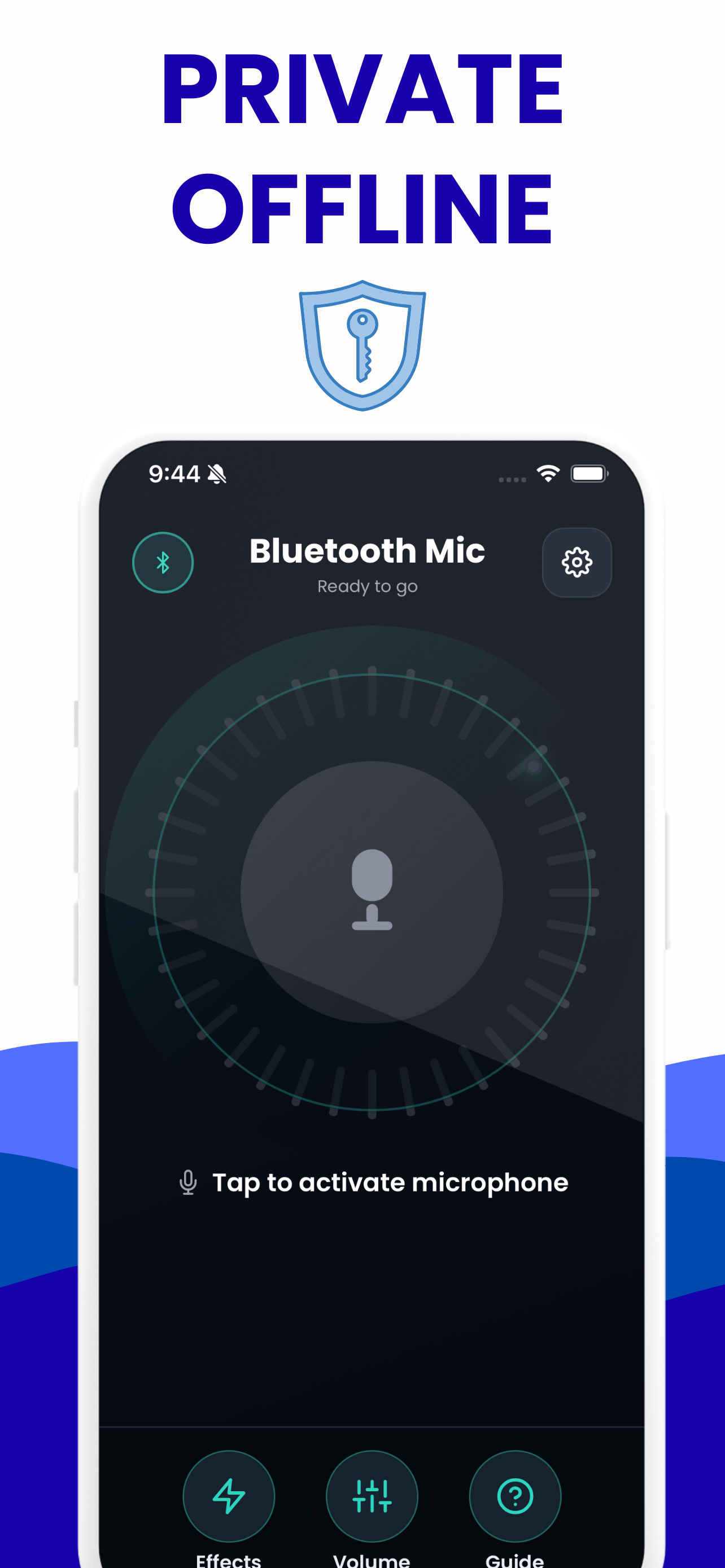
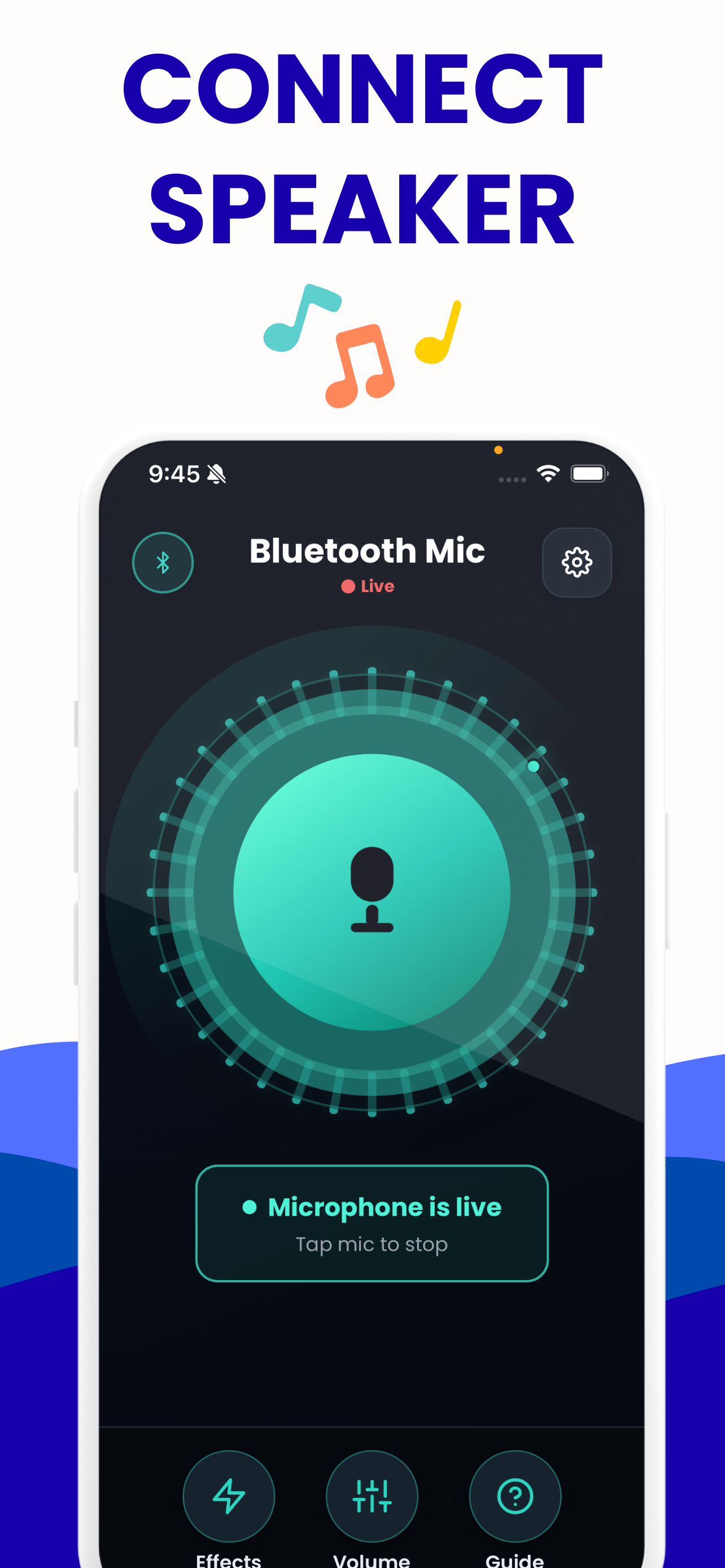
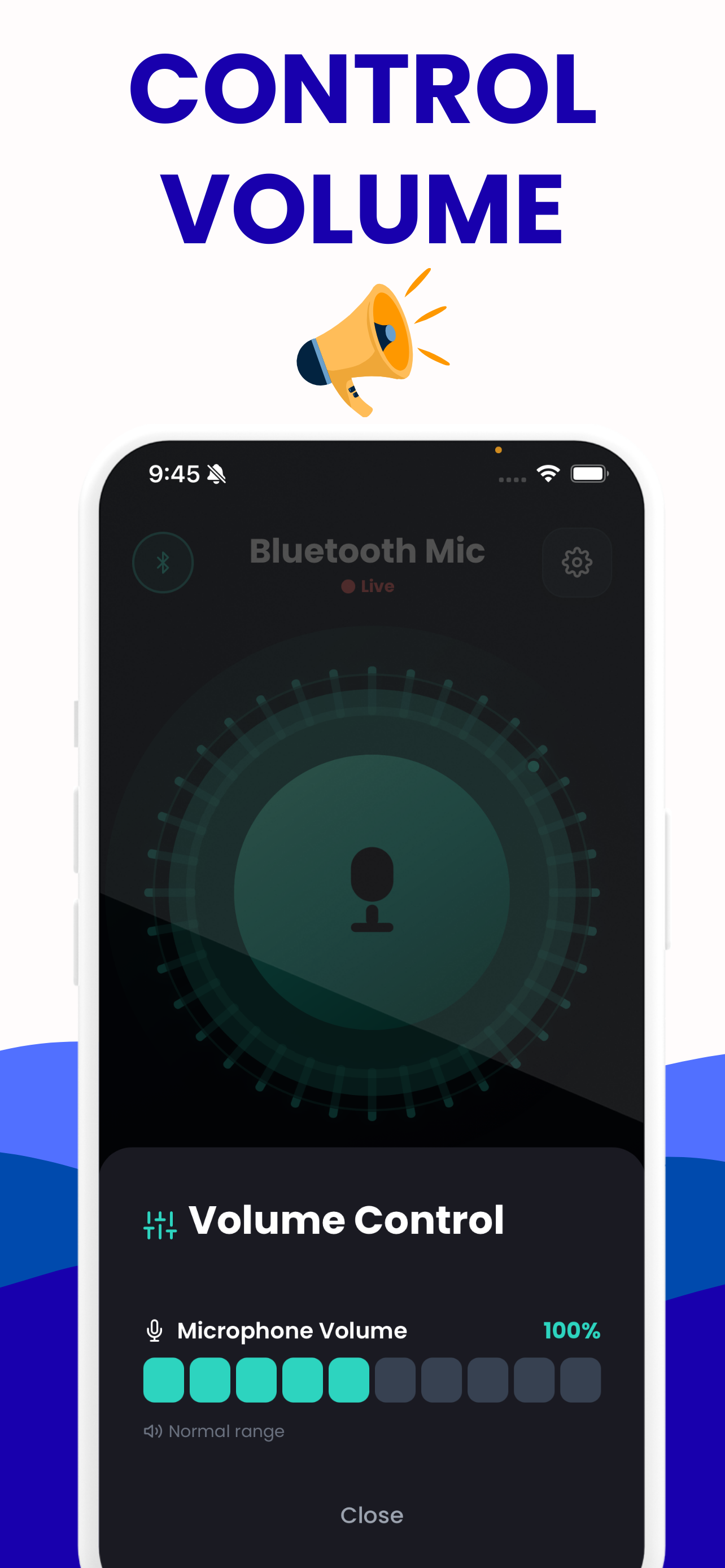
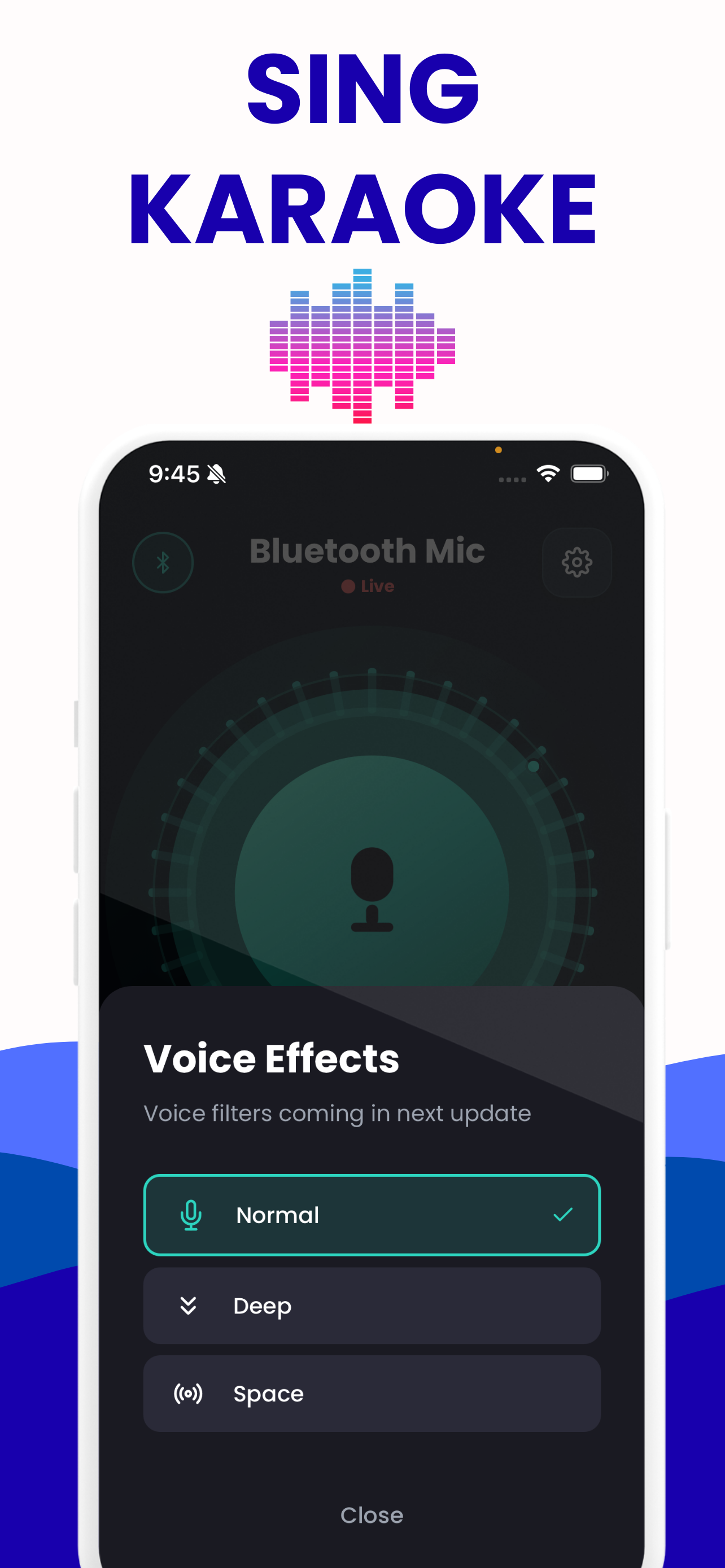
The test tells you the delay. The app is the part you carry into the room: the phone's microphone in, whatever output iOS is already using out.
Questions about this tool
How accurate is this measurement?
The big figure is a median of five runs, and the spread between them is printed next to it. On a quiet desk the runs usually land within a few milliseconds of each other. The largest error you control is the distance estimate: being a metre out moves the result by about 2.9 ms.
Learn more: Bluetooth Microphone Delay: Real Numbers, Real Fixes →
Why is my number bigger than the codec charts say?
Two reasons. This is a round trip, so it includes the return path through your microphone, and published codec figures are usually one way. And the speaker's own buffer is added on top of the codec, which is where most large numbers come from.
Can an app remove the delay this test just measured?
No. The delay is produced in the Bluetooth codec and in the receiving speaker's buffer, both downstream of anything running on the phone, and iOS offers no codec control to change it. An app can avoid adding to it, which is a different and much smaller claim.
Learn more: Bluetooth Microphone App With No Delay? Measured →
Does this page send my microphone audio anywhere?
No. Nothing is uploaded, because there is no server behind this site. The chirp is generated in your tab, the recording is analysed in your tab, and it is discarded when you leave the page.
Every run says no signal. What is wrong?
The chirp is not reaching the microphone. Turn the speaker up, move the phone closer to it, and check that audio is playing out of the speaker you meant to measure rather than the phone itself. A conferencing app holding the microphone will also block it.
Learn more: Can a Bluetooth Speaker Take a Microphone Input? →
Will the iPhone app show the same number?
Roughly, but not exactly. The Bluetooth part of the figure is the same because it lives in the codec and the speaker. The local buffering differs, because a browser tab and an iOS audio session are different code paths.
Other tools on this site
All free, all running in your browser.
Live mic monitor
Hear your own microphone through your speakers or headphones, with the app’s gain range and its eight voice presets.
Open it →Bluetooth mic test
Check the level, the sample rate and the channel count of any microphone — including the moment a Bluetooth headset drops to narrowband.
Open it →Bluetooth speaker test
Left and right channel checks, a 20 Hz–20 kHz sweep and a bass sweep, to find out what a speaker actually reproduces.
Open it →Live voice effects
All eight of the app’s voice presets, live on your own voice, with the frequency-response curve each one applies.
Open it →