Use your iPhone as a microphone for any Bluetooth speaker
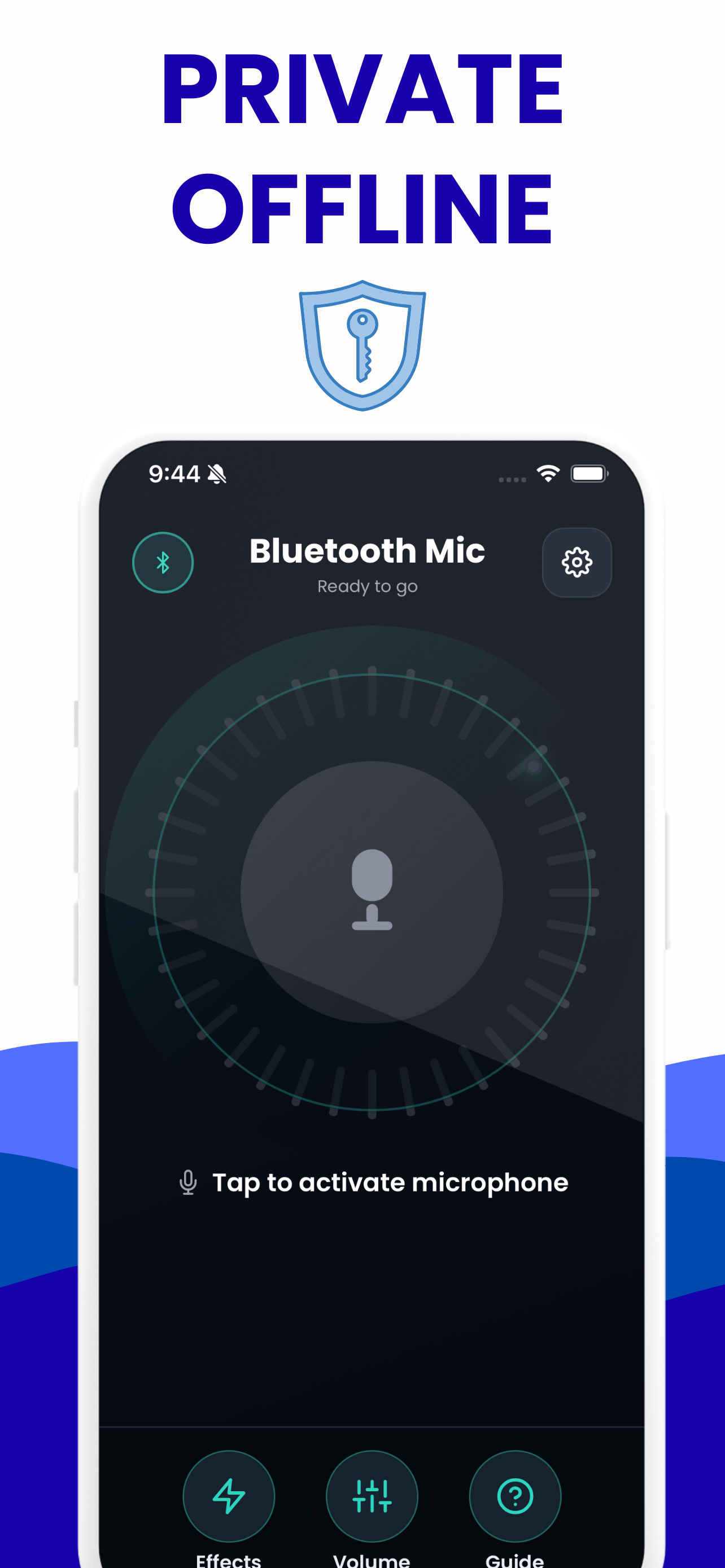
Pair the speaker in iOS Settings, open the app, tap once. Your voice goes wherever your phone is already playing — a Bluetooth speaker, a soundbar, the car, AirPods. Free, offline, and nothing is recorded. Everything below runs in this tab first, so you can hear it work before you install anything.
Try it here first
The app’s microphone chain, running in this tab. Allow the mic, put headphones on, and talk.
Tap the microphone to start.
0–200 %, the same range as the app's volume control.
The curve is drawn from the preset's actual filter settings, taken from the app's source. Robot adds a 50 Hz ring modulator on top, which is not a filter and so does not appear in the curve.
Until you tick that, the level is held at 60 % and nothing is sent to the output, because a microphone and a speaker in the same room is how feedback starts. This is the same cap the app applies when it detects that audio is going to the phone's own speaker.
Device names only appear after you allow microphone access once. A Bluetooth headset shows up here as an input; a Bluetooth speaker usually does not.
How it works
Four steps, and only one of them happens inside the app.
Pair the speaker in iOS Settings
This part is not the app’s job, and it cannot be — iOS gives no app the ability to pair or switch a Bluetooth device. Settings → Bluetooth, tap your speaker, wait for “Connected”.
Check the speaker is the output
Open Control Centre, press and hold the audio card, and make sure the speaker is selected. If music plays through it, the microphone will too.
Open the app and tap the mic
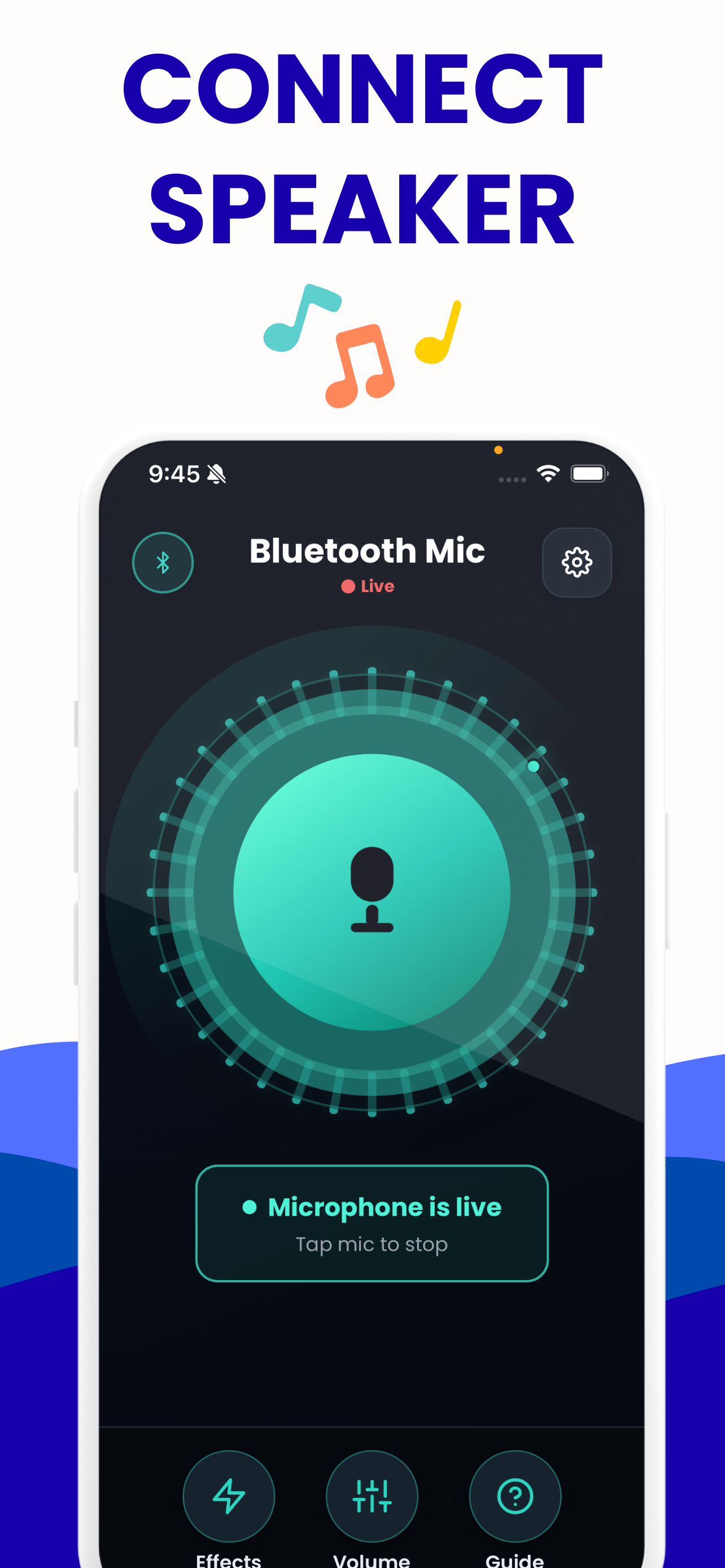
One tap starts the live chain. The ring around the button moves with your voice, so you can see it is working before you speak into a room.
Set the level, pick a voice
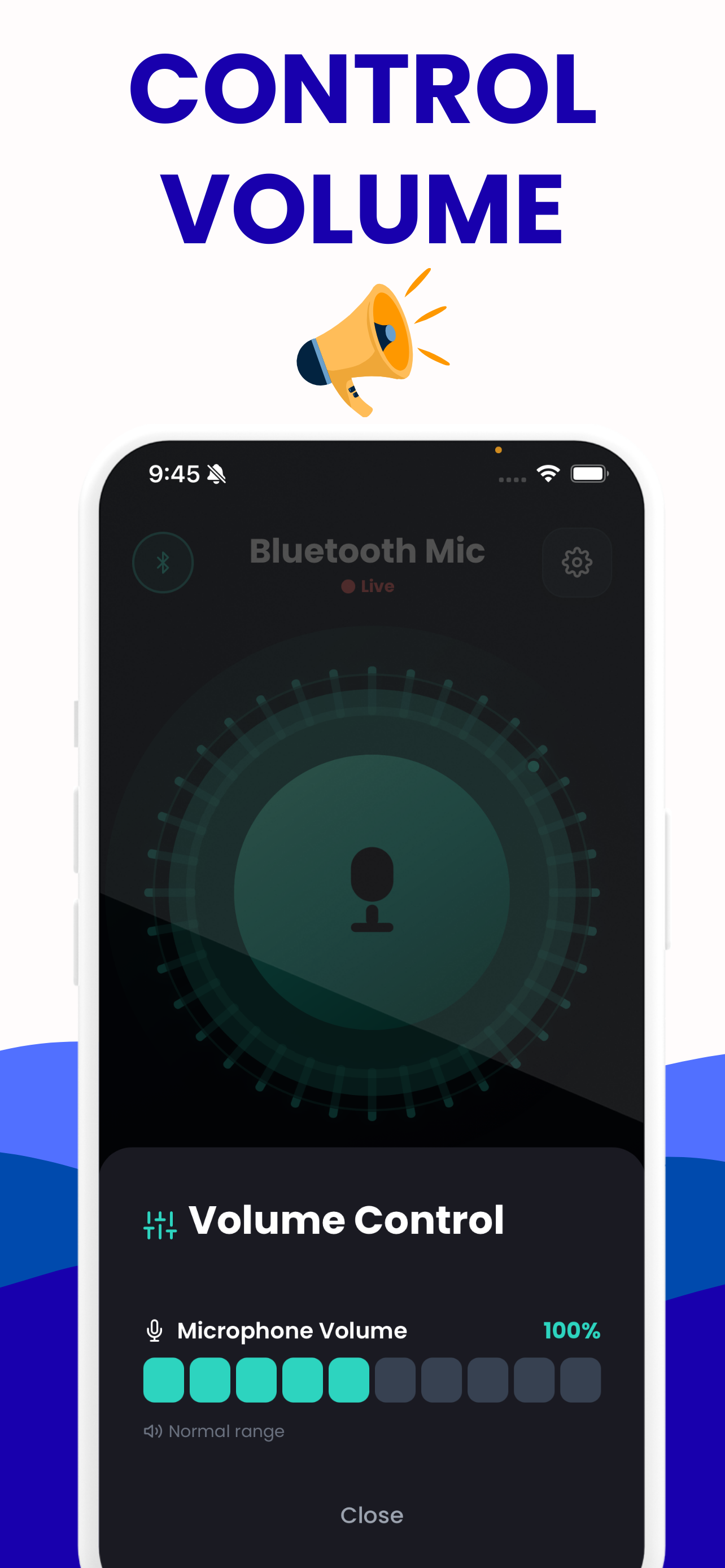
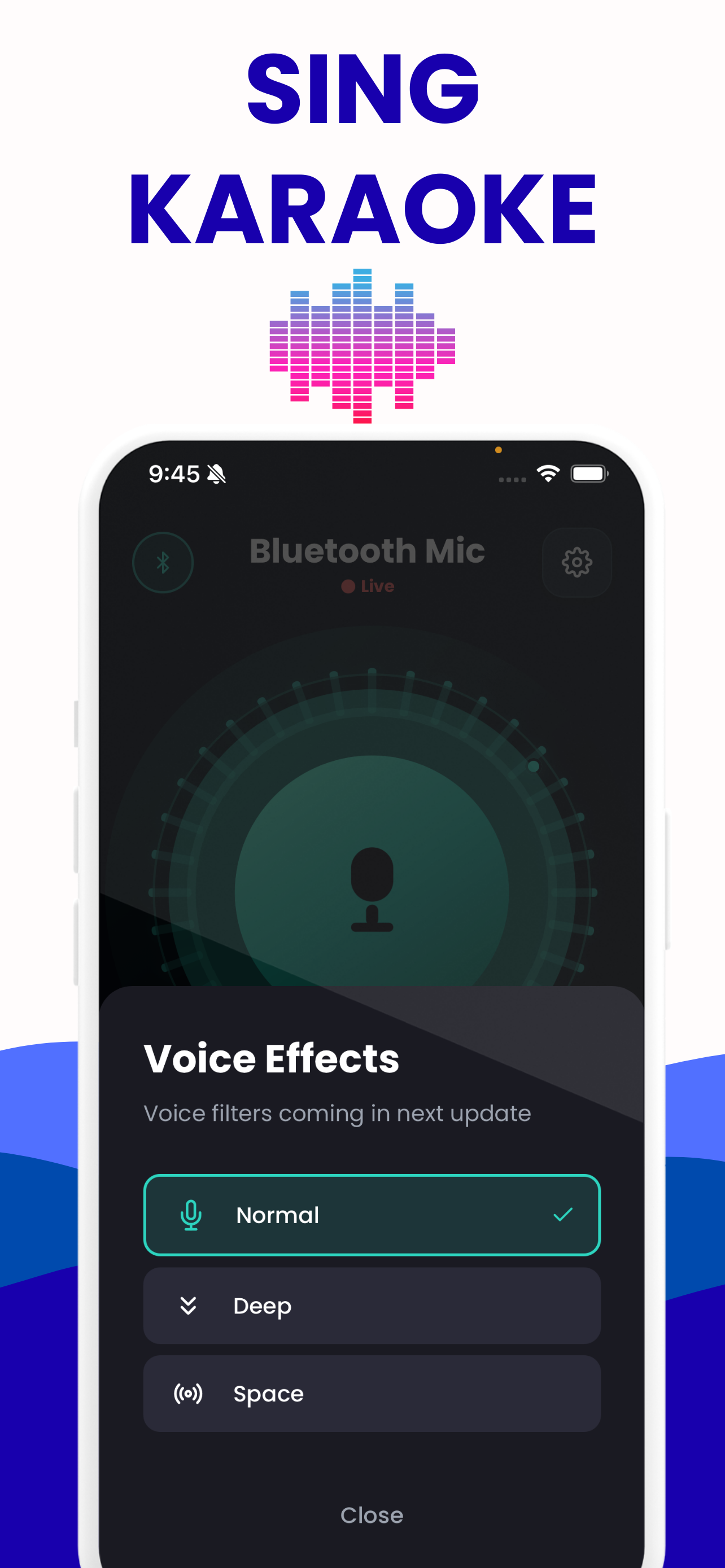
Volume runs from 0 to 200 % and can be moved while you are talking. Eight voice presets go from a slightly warmer tone to a full bullhorn.
- Price
- Free — no subscription, no ads
- Platforms
- iPhone, iPad and Android
- Requires
- iOS 15.1 or later, or Android
- Rating
- 4.2 from 10 ratings on the App Store
- Languages
- English
- Privacy
- Records nothing, stores nothing, works offline
One thing worth knowing before you tap: the app does not pair your Bluetooth speaker, because no iPhone app can — iOS Settings does that, and the app plays into whatever output your phone is already using. It also cannot remove the delay Bluetooth adds. Nothing on a phone can. What it can do is measure it, cap the gain before feedback starts, and get out of the way.
The app on your phone
The same chain as the browser tool, built for the room you are standing in.
Free tools that run in this tab
No sign-up, no upload, no app needed to use them. Everything happens on your own device.
Live mic monitor
Hear your own microphone through your speakers or headphones, with the app’s gain range and its eight voice presets.
Open it →Bluetooth latency test
Measures the real round-trip delay of your own speaker by sending a chirp and listening for it coming back.
Open it →Bluetooth mic test
Check the level, the sample rate and the channel count of any microphone — including the moment a Bluetooth headset drops to narrowband.
Open it →Bluetooth speaker test
Left and right channel checks, a 20 Hz–20 kHz sweep and a bass sweep, to find out what a speaker actually reproduces.
Open it →Live voice effects
All eight of the app’s voice presets, live on your own voice, with the frequency-response curve each one applies.
Open it →Guides that answer the awkward questions
Written because the answers on the rest of the internet are wrong, vague, or trying to sell you a £90 microphone.
Bluetooth Microphone Delay: Real Numbers, Real Fixes
Where the 100–250 ms comes from, which fixes actually move the number, and a browser test for your own speaker.
Read it →Connect iPhone Microphone to a Bluetooth Speaker
iOS Settings does the pairing, not the app. The routing steps, and what to do when the speaker will not show up as an output.
Read it →Bluetooth Microphone App With No Delay? Measured
Several listings promise no lag. Here is what the delay floor actually is, measured, and how close to it you can get.
Read it →iPhone as a Microphone for a JBL Speaker
Which PartyBox, Flip and Charge models take a real microphone, and when a £5 cable beats any app.
Read it →Karaoke Bluetooth Speaker Delay: Measure and Fix It
Singing is the worst case for Bluetooth delay. Measure yours, then decide whether to go wired.
Read it →Microphone Feedback With a Bluetooth Speaker
Why a phone microphone howls near a speaker, the distance and gain rules that stop it, and a live demo of the guard.
Read it →Questions people actually ask
Can I really use my iPhone as a microphone for a Bluetooth speaker?
Yes. Pair the speaker to your iPhone in iOS Settings, then open a mic-to-speaker app: your voice is picked up by the phone's microphone and sent out through whatever output iOS is currently using — the Bluetooth speaker, AirPods, a soundbar, a car stereo, AirPlay or a wired connection. You can hear the whole audio chain working right now in the live mic monitor on this site, without installing anything.
Does the app pair the Bluetooth speaker for me?
No, and no app can. Bluetooth pairing happens in iOS Settings, and iOS does not let apps pair devices on your behalf. Pair the speaker first in Settings > Bluetooth, then open the app and choose it as the output. Any app claiming to pair a speaker for you is describing something iOS does not permit.
Learn more: Connect iPhone Microphone to a Bluetooth Speaker →
How much delay will there be?
Typically around 100-250 ms with the SBC and AAC codecs an iPhone uses. That is the Bluetooth link and codec, not the app, and no app can remove it. Rather than take our word for it, measure your own speaker with the browser latency test: it plays a click, listens for it back through the microphone, and reports your real round-trip time in milliseconds.
Is there a Bluetooth microphone app with zero lag?
No. Several App Store listings claim zero lag, minimal delay or several-times-faster response, and those claims do not survive measurement. The delay lives in the codec and the wireless link, below the level any app can reach. What an app can do is avoid adding delay of its own, which is a much smaller and much more honest promise.
Learn more: Bluetooth Microphone App With No Delay? Measured →
Can I sing karaoke with it?
You can, but be realistic: with 100-250 ms of Bluetooth delay you hear your own voice noticeably after you sing it, which most people find hard when following a backing track. It works far better for speaking, announcing and presenting. If you want karaoke with tight timing, measure your delay first and consider a wired microphone.
Learn more: Karaoke Bluetooth Speaker Delay: Measure and Fix It →
Why does it screech when I turn it on?
That is acoustic feedback. If the sound coming out is picked up straight back by the microphone, the loop amplifies itself into a howl. Increase the distance between phone and speaker, lower the gain, and never run it with the phone's own built-in speaker as the output. Our app detects that built-in-speaker case and caps the gain automatically.
Can I use my phone as a microphone with a JBL, Bose or Soundcore speaker?
Yes — from the phone's side any Bluetooth speaker works the same way, because the speaker is only receiving ordinary audio. Worth checking first: some party models such as the JBL PartyBox have a real microphone jack, and a cable into that jack will always beat Bluetooth on delay and sound quality.
Can my Bluetooth speaker send audio to my phone instead?
No. This works in one direction only: the phone captures sound and sends it out to the speaker. The app is not a Bluetooth receiver and cannot make your phone play audio coming from another device. Most Bluetooth speakers also cannot accept a microphone at all, since they have no mic input or preamp.
Learn more: Can a Bluetooth Speaker Take a Microphone Input? →
Doesn't Apple's Live Listen already do this?
Not for speakers. Live Listen sends your iPhone's microphone only to AirPods or Beats headphones, never to a Bluetooth speaker, a car stereo or a soundbar. It is designed as a hearing-assistance feature for headphones. A mic-to-speaker app covers the case Live Listen leaves out.
Learn more: Live Listen to a Bluetooth Speaker: Why It Won't Work →
Is there an Android version?
Yes. The app is on Google Play as well as the App Store, both free — search for "Bluetooth mic: Mic to Speaker". The Bluetooth physics are the same on both, though Android does give you one lever iOS has no equivalent of: a codec picker in Developer options.
Learn more: Android Phone as a Microphone for a Bluetooth Speaker →
Is it free, and does it record anything?
The app is free, needs no account, and works offline. It records and stores nothing: audio passes from the microphone to the output in real time and is never written to disk or sent anywhere. The browser tools on this site work the same way — the audio never leaves your device.
Why does my Bluetooth headset sound worse when I use its microphone?
Because a Bluetooth link can only run one profile at a time. The moment an app requests the headset's microphone, iOS drops the high-quality music profile for the hands-free one, which is mono and low bandwidth. Using the phone's own microphone and sending only audio out to the speaker avoids that switch entirely.
Learn more: Why Bluetooth Sound Drops When the Mic Turns On →